Text to Handwriting: Create Natural-Looking Notes
Turn typed text into polished handwritten pages, preview the complete document, and download it as a PDF or high-resolution PNGs.
Input & Preview
Your changes appear instantly on the paper.
Customizations
Fine-tune the handwriting and export quality.
Everything needed for clean handwritten output
Built for quick drafts, polished submissions, and repeatable formatting without manual layout work.
Natural Handwriting Conversion
Generate realistic handwritten pages with smooth letter flow and balanced spacing.
Multiple Writing Styles
Pick formal, casual, notebook, signature, and creative writing appearances.
Custom Formatting
Control margins, alignment, line height, page rules, and paper size.
Fast Processing
Convert long passages into handwriting-ready pages in seconds.
Download Options
Export high-quality files for print, sharing, archiving, or upload.
Easy Editing
Adjust the source text and regenerate clean results without restarting.
From typed text to finished handwriting
Enter Your Text
Paste notes, assignments, letters, or short-form copy into the editor.
Select Writing Style
Choose the handwriting tone and page style that matches the task.
Generate Handwriting
Preview the page and fine-tune spacing, ink, and alignment settings.
Download Result
Save the finished handwriting as a clean file for your next step.
Handwriting for every use case
Professional
Formal, steady writing for polished documents.
Casual
Relaxed handwriting with a natural daily-note feel.
Notebook
Classroom-ready pages with ruled paper options.
Signature
Elegant strokes for personal notes and letters.
Creative
Expressive handwriting for cards and visual projects.
Fine control without a complex interface
Shape each page with the practical controls users expect from a serious SaaS tool.
Spend less time formatting handwritten pages
Text To Handwritify keeps the process clear, consistent, and ready for repeated use.
Trusted by people who write often

“The output feels consistent and polished. I use it for study notes and printed references every week.”
Maya Chen
Graduate Student
“The style controls are simple but detailed enough for client-ready pages. Export quality is strong.”
Daniel Ross
Content Manager
“It saves me a lot of formatting time. The handwriting styles look clean without feeling artificial.”
Elena Brooks
Operations LeadHelpful guides for better handwritten
Explore our latest news, articles, and step-by-step tutorials below.
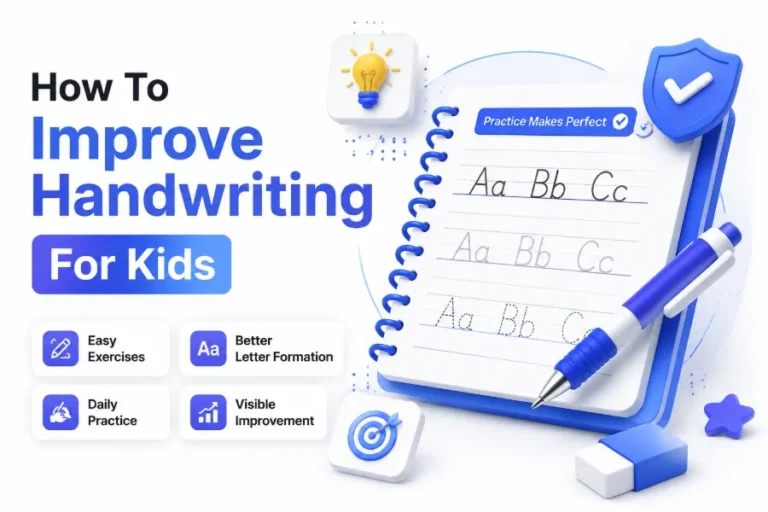
How To Improve Handwriting For Kids: Practical Tips For Better Writing Skills
Good handwriting helps children express their thoughts clearly, complete schoolwork faster, and feel more confident in their learning...
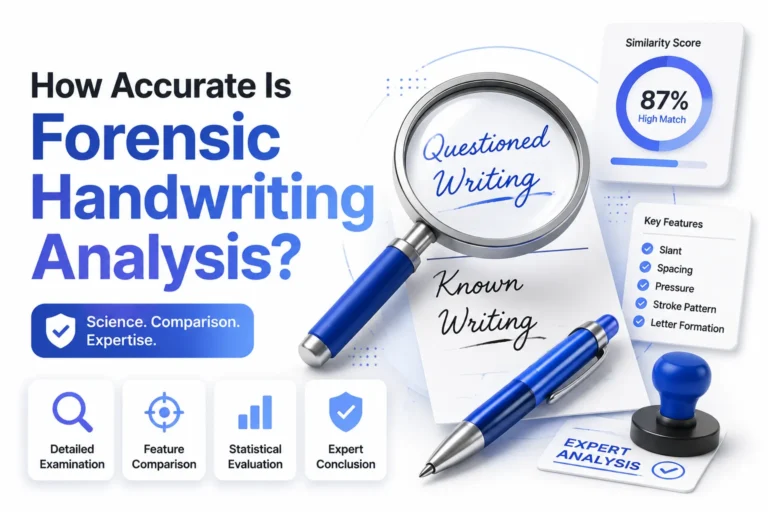
How Accurate Is Forensic Handwriting Analysis? A Detailed Guide
Handwriting has long been used as a form of personal identification because every person develops unique writing habits...
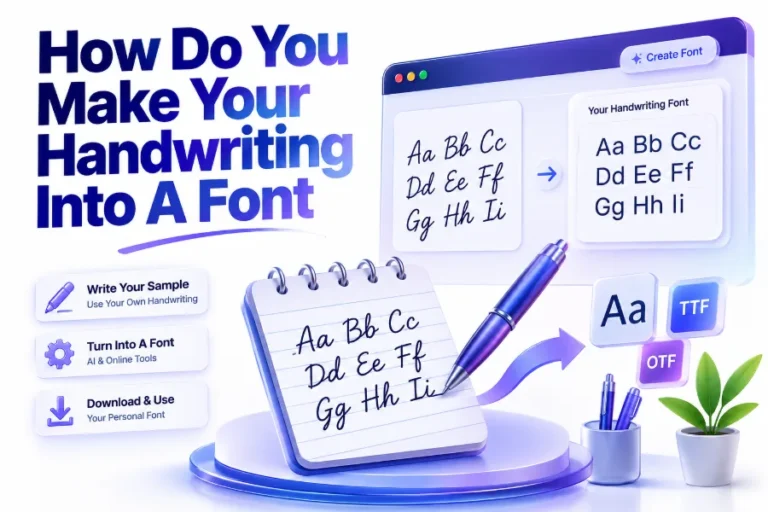
How Do You Make Your Handwriting Into A Font: Complete Guide
Turning your handwriting into a digital font is a creative way to preserve your personal writing style and...
Questions before you start
What is text to handwriting?
It is the process of turning typed content into a realistic handwritten page with selectable styles and formatting options.
How does handwriting conversion work?
You enter text, choose a writing style, adjust page settings, and generate a downloadable handwritten result.
Can I customize handwriting styles?
Yes. You can adjust style, spacing, page design, ink settings, margins, and export preferences.
Can I download generated files?
Yes. Generated handwriting can be downloaded for printing, sharing, or storing with your project files.
Is it suitable for students and professionals?
Yes. It works well for study notes, assignments, letters, internal documents, and presentation materials.
Does it support multiple formats?
Plans include flexible export choices, with higher tiers offering more quality and workflow options.
Create handwritten pages in minutes
Bring typed content into a cleaner, more personal format with flexible styles and export-ready files.